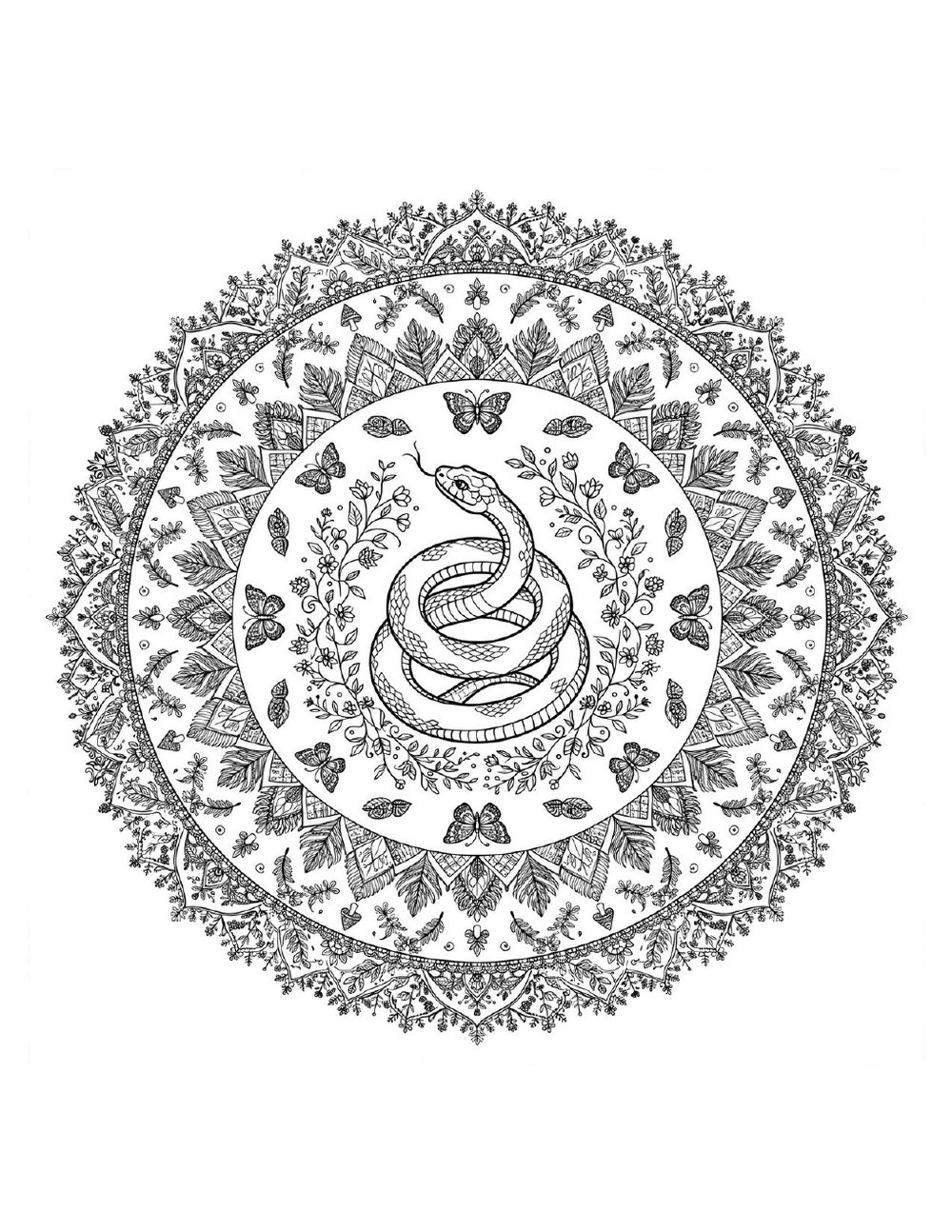
Printing a coloring page should take ten seconds, but the wrong setting can leave you with a tiny, fuzzy image in the corner of the paper. This guide covers everything: the one print setting that matters most, which paper to use for markers versus pencils, and how to fix the handful of problems that come up.
Step 1: Download the page
On any of our free coloring pages, click the Download button to save the high-resolution image to your computer or phone. The files are large, print-ready images — much sharper than a screenshot. Save them in a folder so you can reprint favorites anytime.
Step 2: Choose 'Actual size' — the setting that matters
Open the image and hit Print (Ctrl+P or Cmd+P). In the print dialog, find the Scale or Size option and choose 'Actual size' or '100%' — not 'Fit,' 'Shrink to fit,' or 'Fit to page.' Our pages are designed for US Letter paper (8.5 x 11 inches), and 'Actual size' prints the line art exactly as drawn: crisp, bold, and full-page. The 'Fit' options shrink everything and can make fine details look fuzzy.
Also check that the orientation is Portrait and the paper size matches what's loaded in your tray. That's it — you're ready to print.
Step 3: Pick the right paper
For crayons and colored pencils, ordinary copy paper works perfectly fine. If you color with markers, step up to cardstock (65–110 lb): the thicker paper stops bleed-through so colors stay vibrant and the back of the page stays clean. Avoid glossy photo paper — most markers and pencils slide right off it.
Pro tip for markers on regular paper: slip a sheet of scrap paper behind the page you're coloring. It catches any bleed and protects the table underneath.
Markers vs. colored pencils
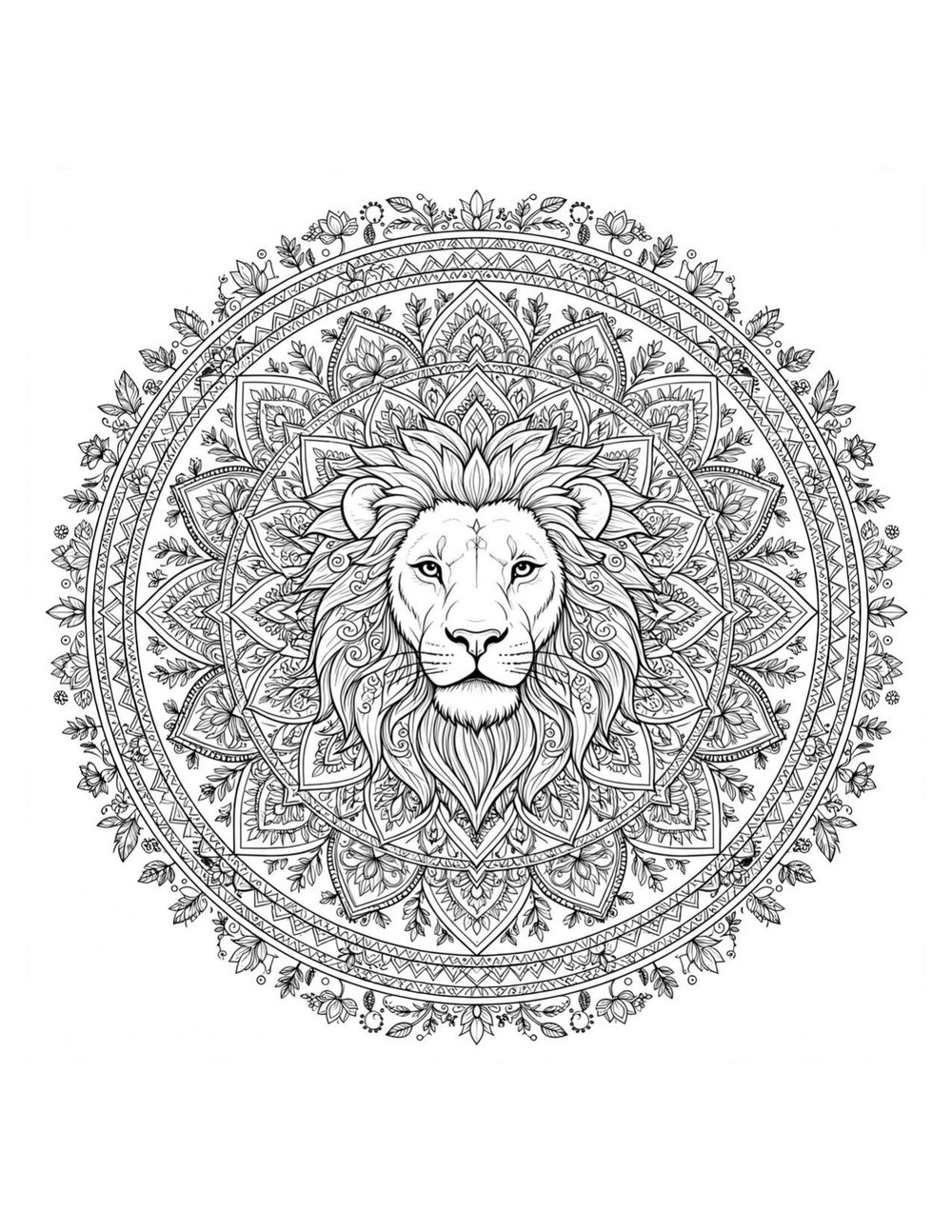
Alcohol markers give bold, saturated color and blend beautifully, but they bleed through thin paper and can't be erased — best on cardstock, best for confident colorists. Colored pencils are forgiving: you can layer light colors, blend with a light touch, erase mistakes, and shade gradually. They're the best choice for kids and for detailed pages like our mandalas. Gel pens sit in the middle — great for tiny details and a little sparkle.
Troubleshooting quick fixes
Page printing tiny? Your scale is set to 'Fit' — switch to 'Actual size' / 100%. Lines look gray and washed out? Turn off 'draft' or 'economy' mode in your printer settings, and print in black-only if your printer offers it. White border around the edge? Most home printers can't print edge-to-edge; it's normal, and the art is designed with margins. Colors printing weird? Make sure you're printing the downloaded file, not a thumbnail preview.
Printing for classrooms
Need 25 copies? Download once, then print in batches — most printers handle classroom sets fine on standard copy paper. The kawaii pages and fairy tale scenes are classroom favorites, and teachers are always welcome to print our free samples for school use.